Adding a new shop item
Over time, the number of available shop items may increase, leading to potential updates and expansions of the item categories.
This ensures that the shop remains dynamic and relevant, offering an evolving selection of outfits and accessories for players to choose from.
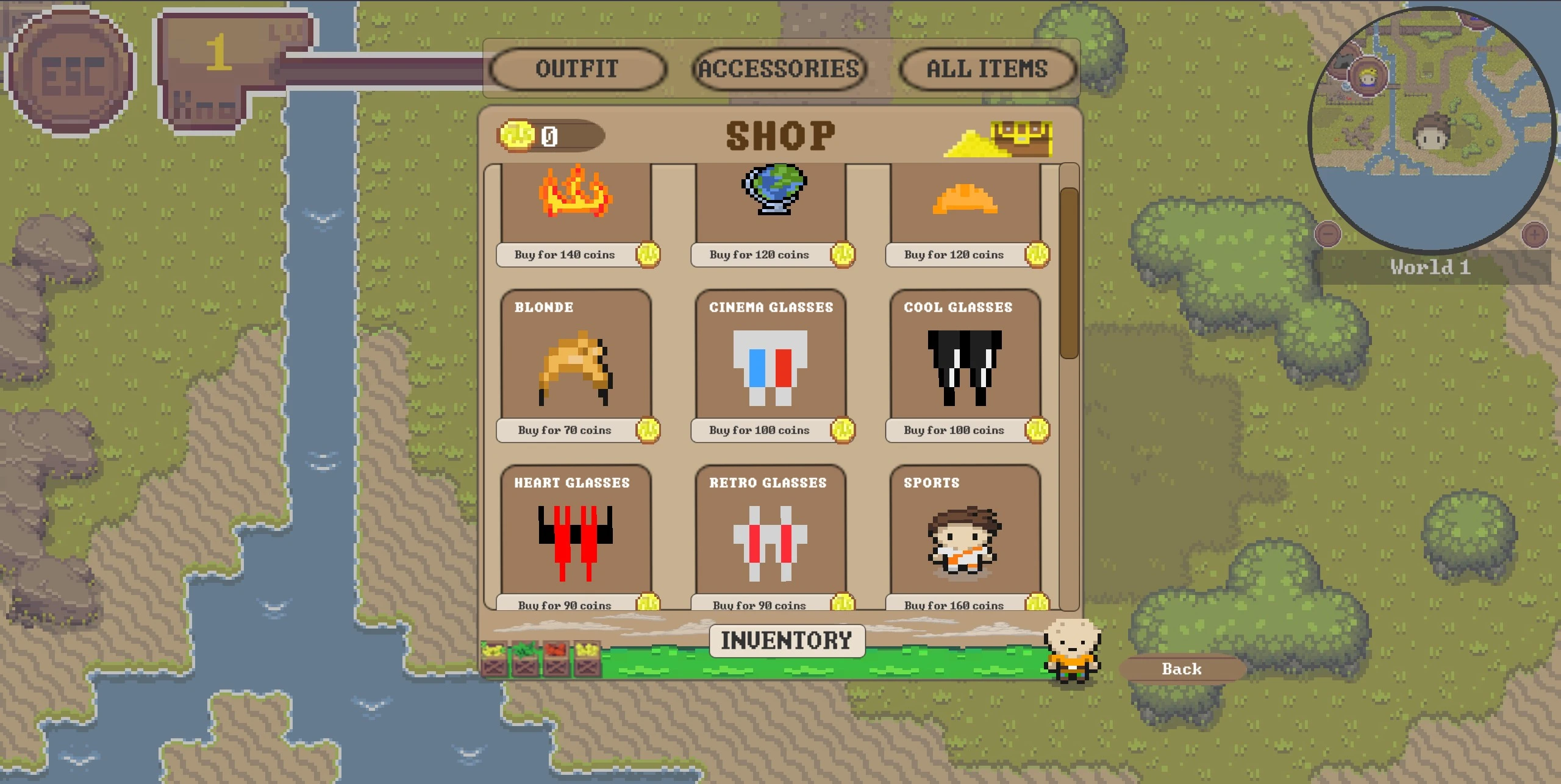
The shop can be opened by clicking on the knowledge bar in the top left and clicking open shop.
The buttons at the top allow the player to filter through the item categories and at the bottom the players inventory can
be opened. This is where all bought items will be displayed.
How to add a new category
To add a new category, you need to add it to the enum class ShopItemCategory overworld backend.
How to add a new shop item
To add a shop item, you need to add it to the overworld backend.
Therefore, you have to access the class ShopService src/main/java/de/unistuttgart/overworldbackend/service/ and add the new item with the given data info to the repository.
One shop item is an object containing following data:
the id
the id must be added in the enum class ShopItemId, that is the shown name in the shop
the price
the image name from the overworld frontend
the image must be added in overworld.
the item category
the bought status (false)
After that you also have to update the two scripts in the overworld frontend: category and id