Crosswordpuzzle
Crosswordpuzzle is a minigame for the Gamify-IT platform.
TOC
About the Game
The goal of Crosswordpuzzle is to answer the questions and fill out the crosswordpuzzle.
Gameplay
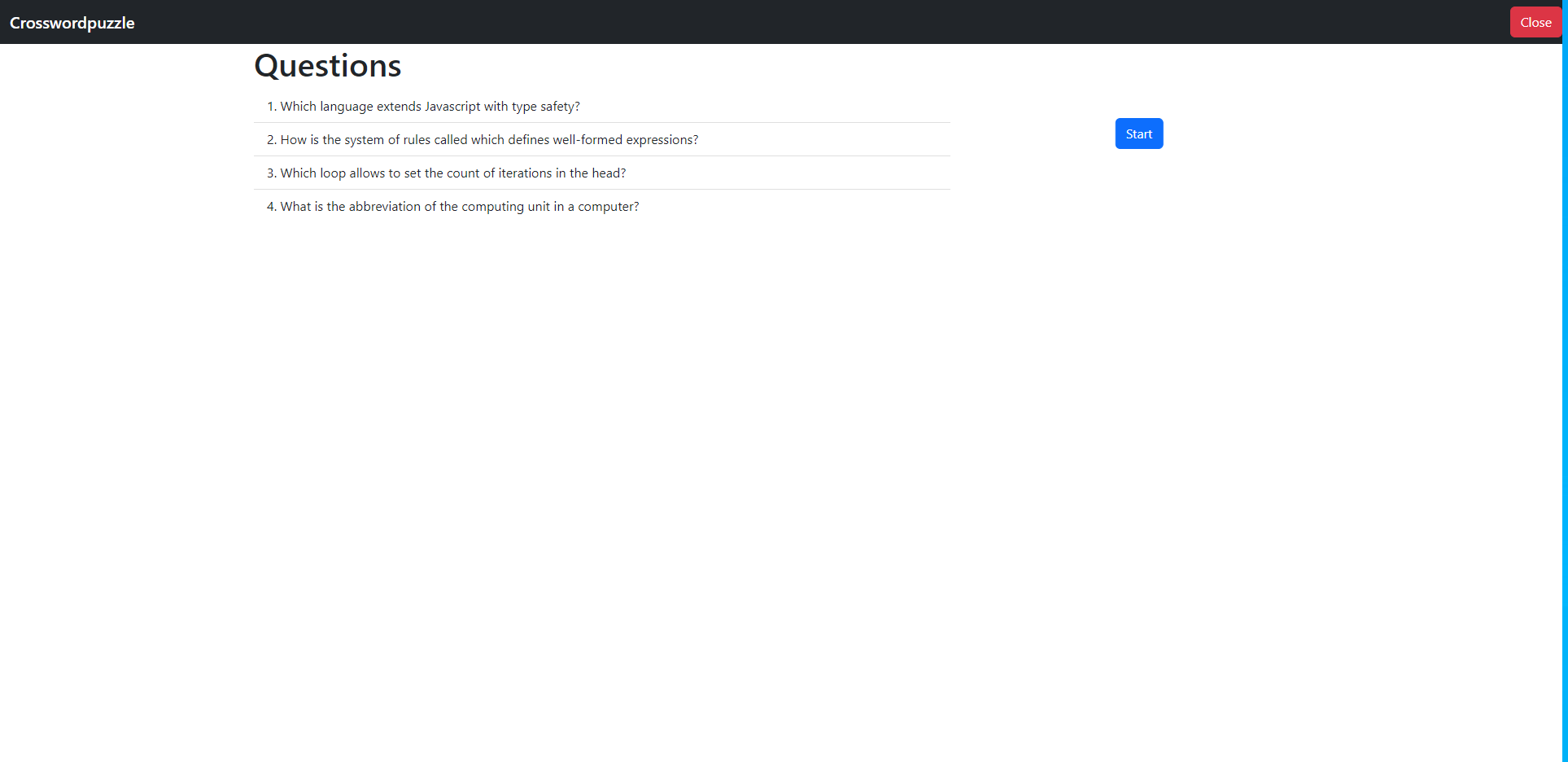
When entering the game, you see the start screen.
To start a game, click on Start.
To exit the game, click on the red button in the upper-right corner.
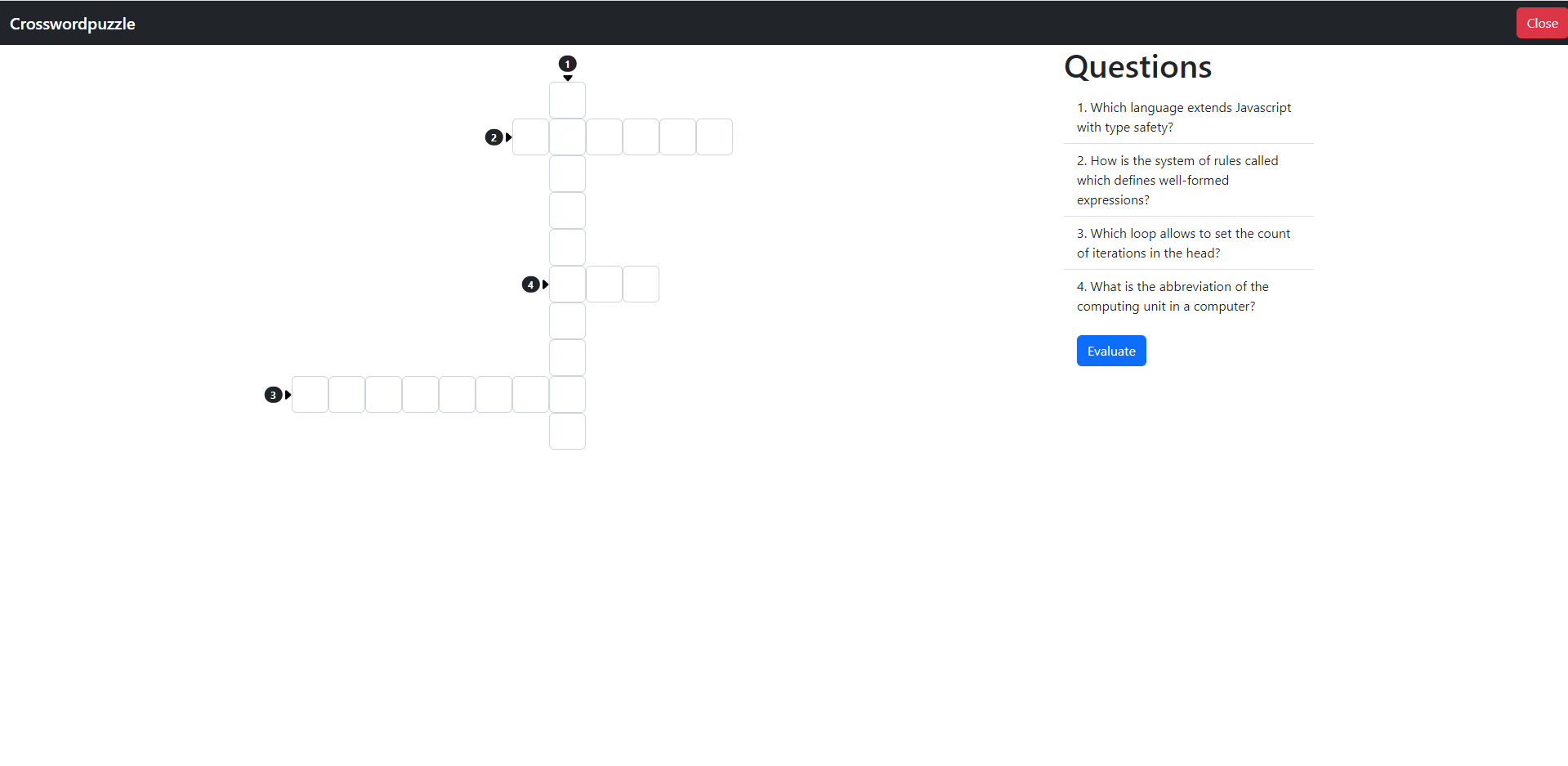
After clicking on the Start button, you get a crosswordpuzzle in the middle and questions on the right.
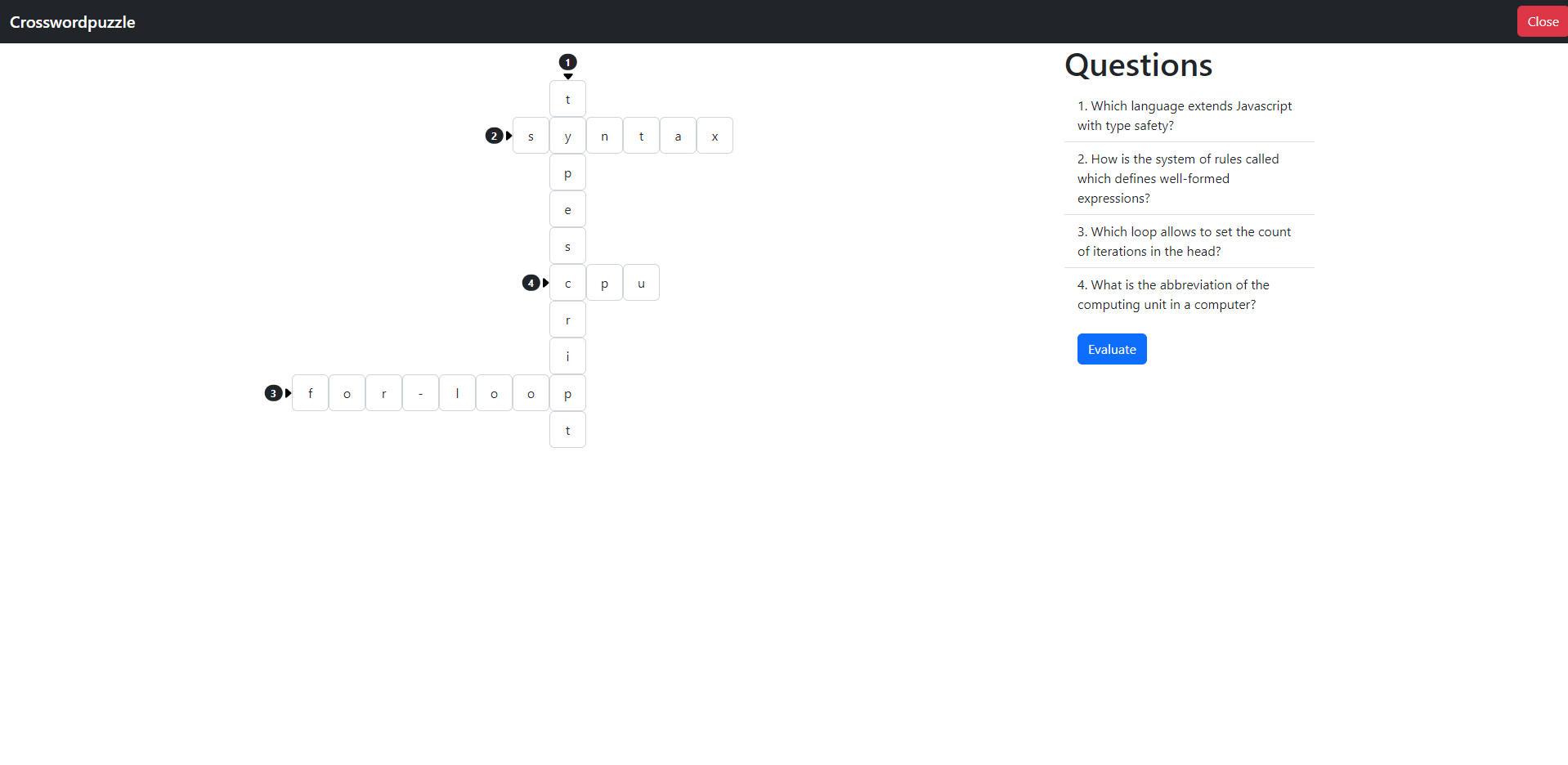
After filling out all the answers your screen should look like this.
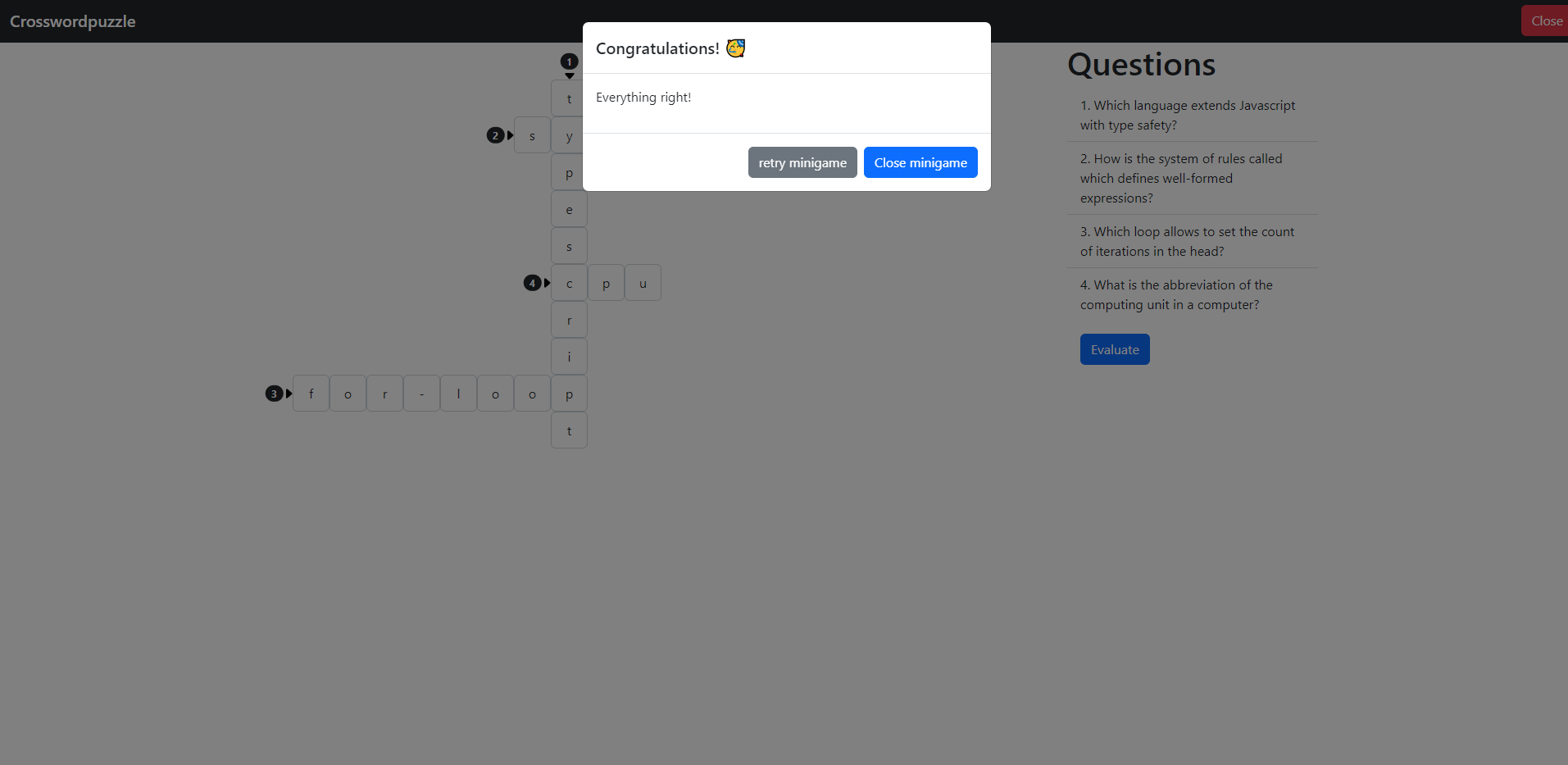
If you answered everything correct, your screen looks like this. To end the game, click the close button.
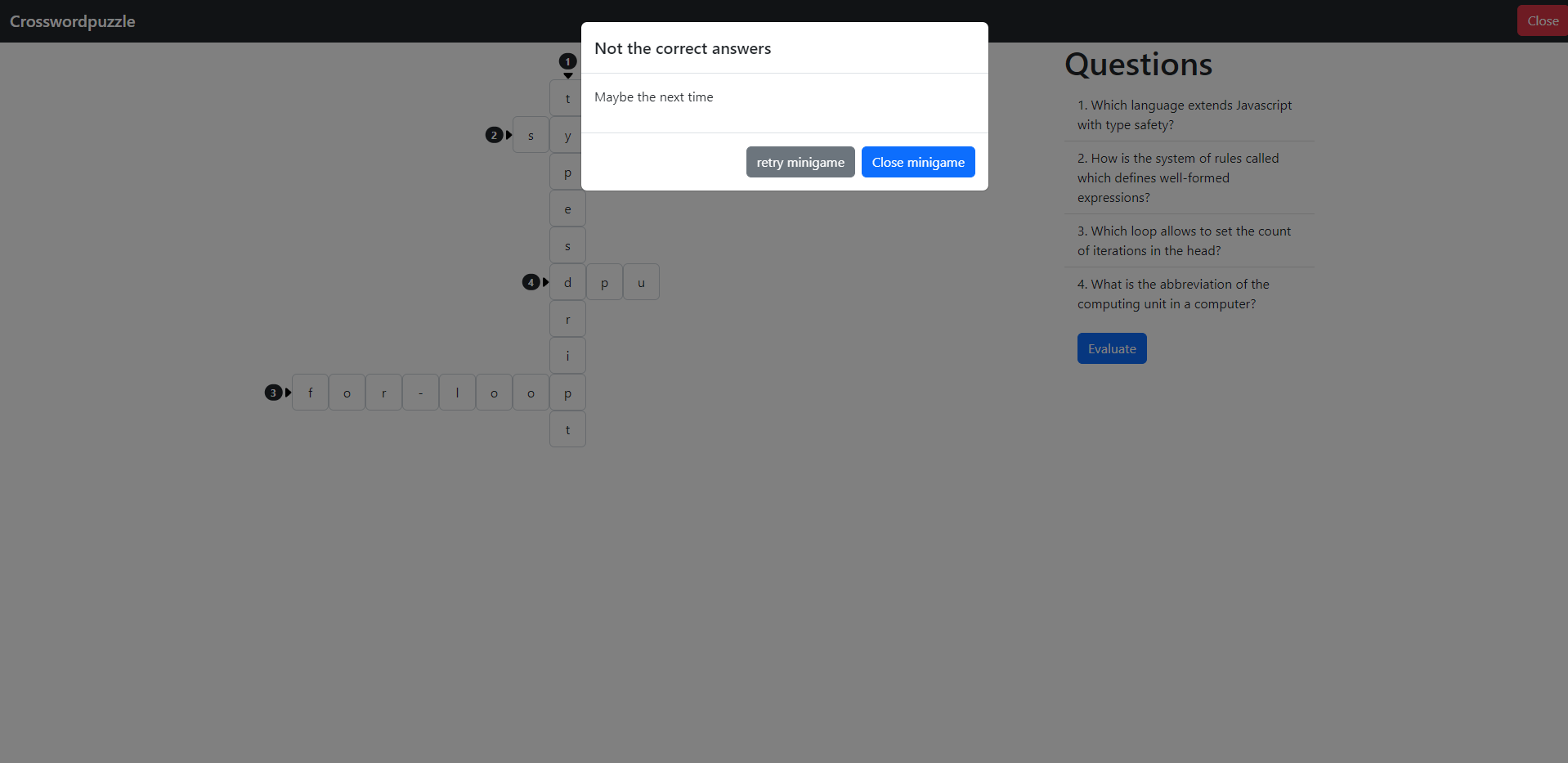
If you answered something wrong, your screen looks like this. To end the game, click the close button. To retry, click the close button.
Configuration
The lecturer can configure the game with questions and answers. The crosswordpuzzle gets generated automatically.
For more information how to configure minigames see the lecturer interface manual.