Bugfinder
Bugfinder is a minigame for the Gamify-IT platform.
TOC
About the Game
The goal of Bugfinder is to find and fix errors in a small program.
Gameplay
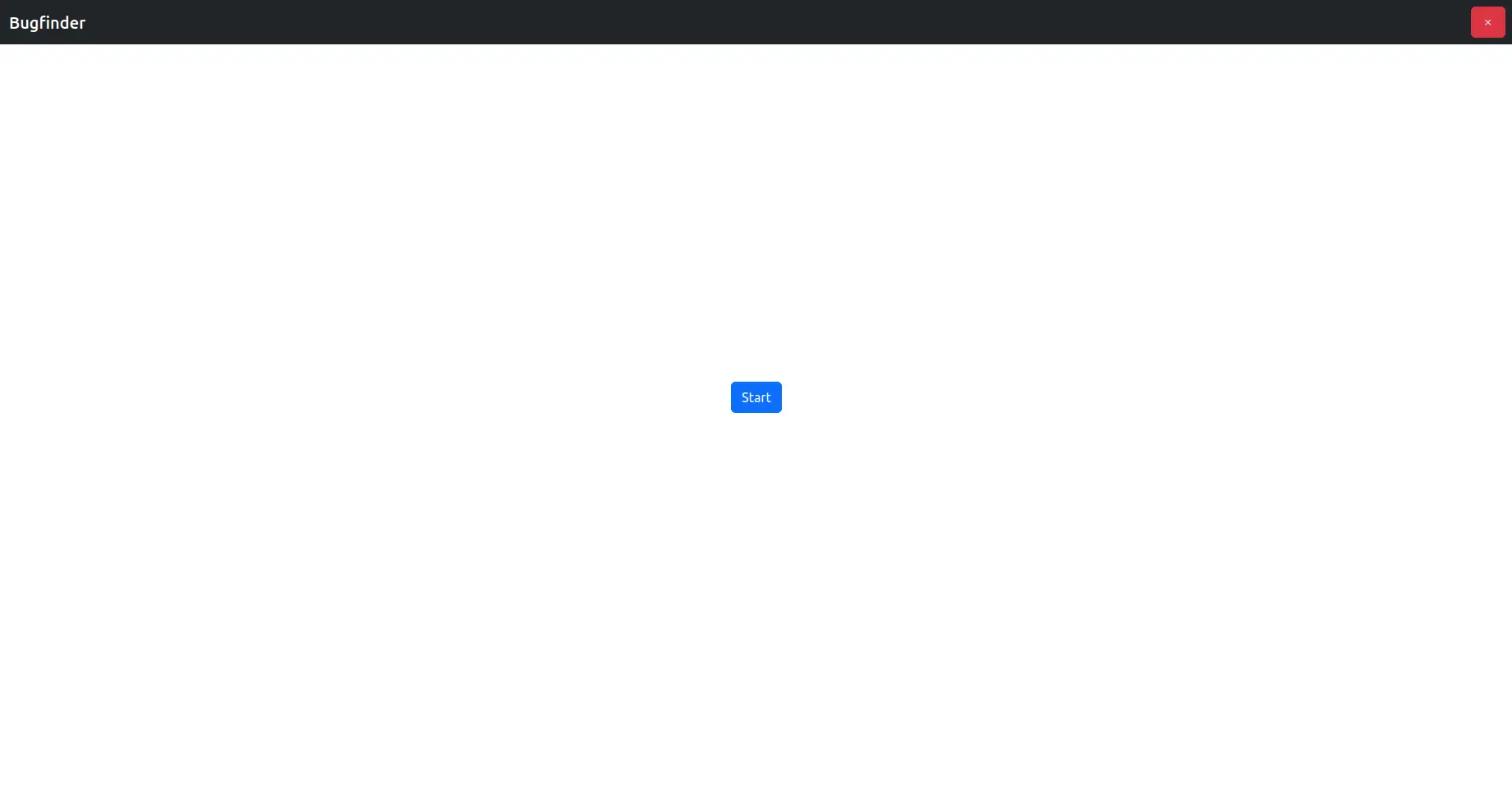
When entering the game, you see the start screen.
To start a game, click on Start.
To exit the game, click on the red button in the upper-right corner.
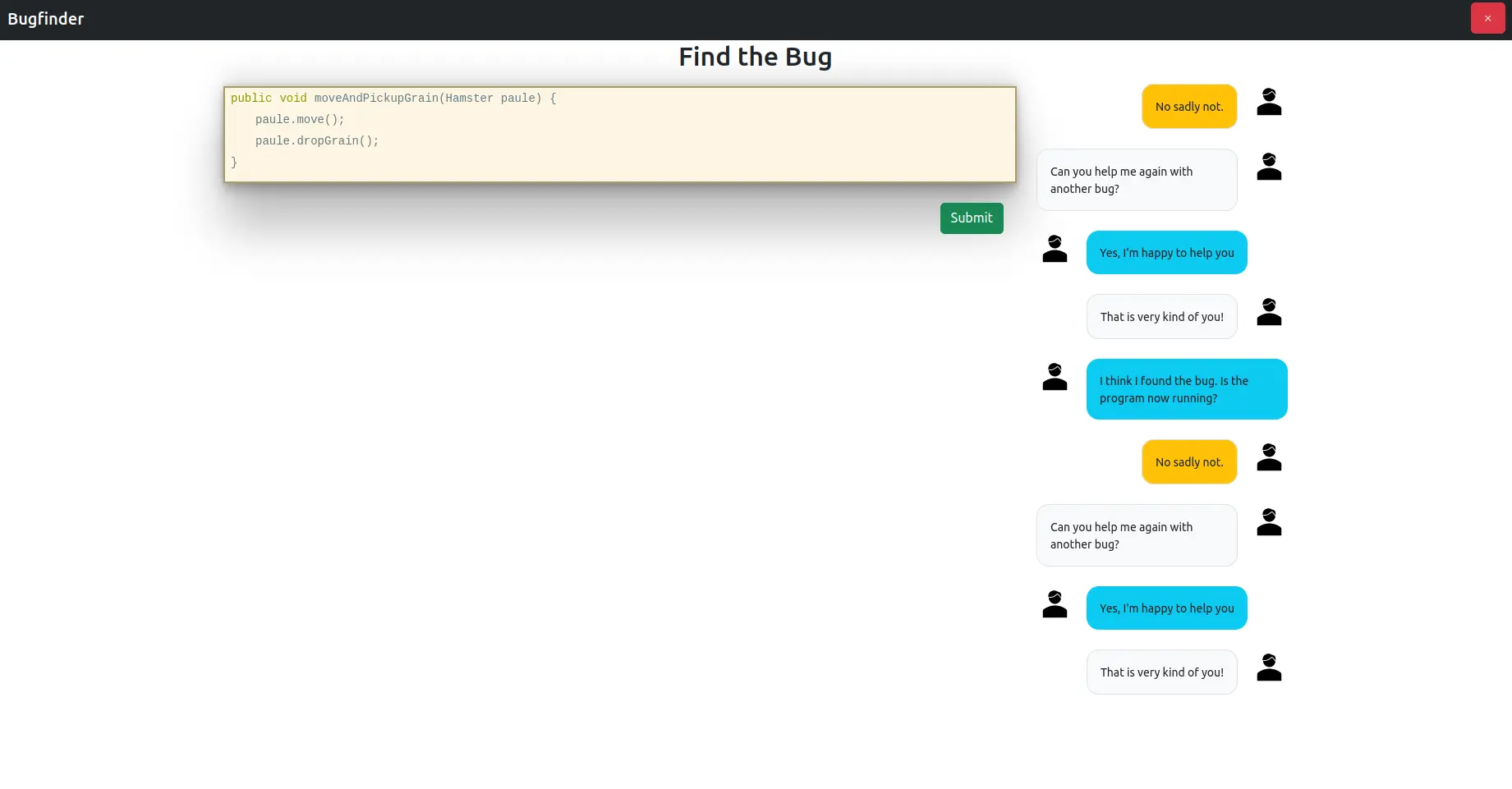
After clicking on the Start button, you get a code snippet with some errors that you are tasked to find.
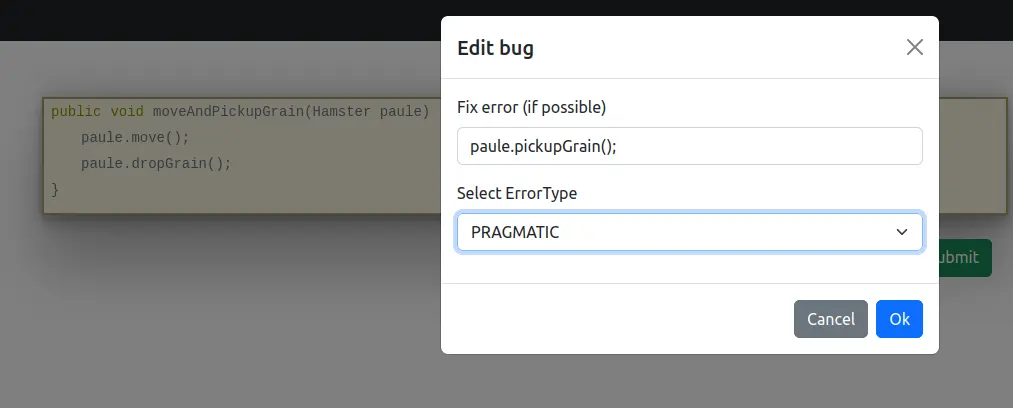
By clicking on words in this code snippet, you can mark this word as a bug, you can correct it, and you can specify the error type.
Already selected bugs will be highlighted.
If you are sure that you have found all bugs, you can see your results by clicking on the submit button.
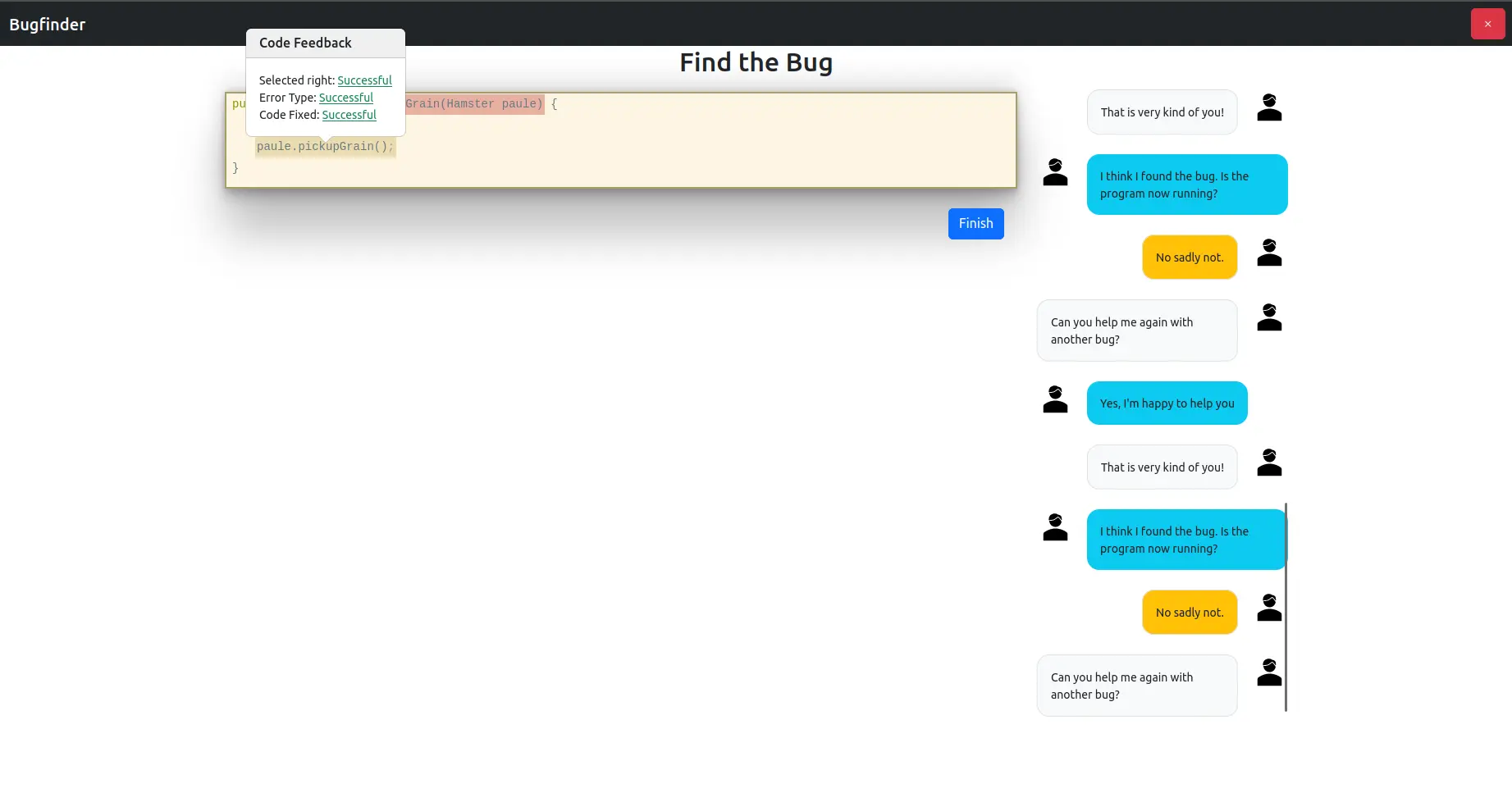
Next, you’ll get another snippet.
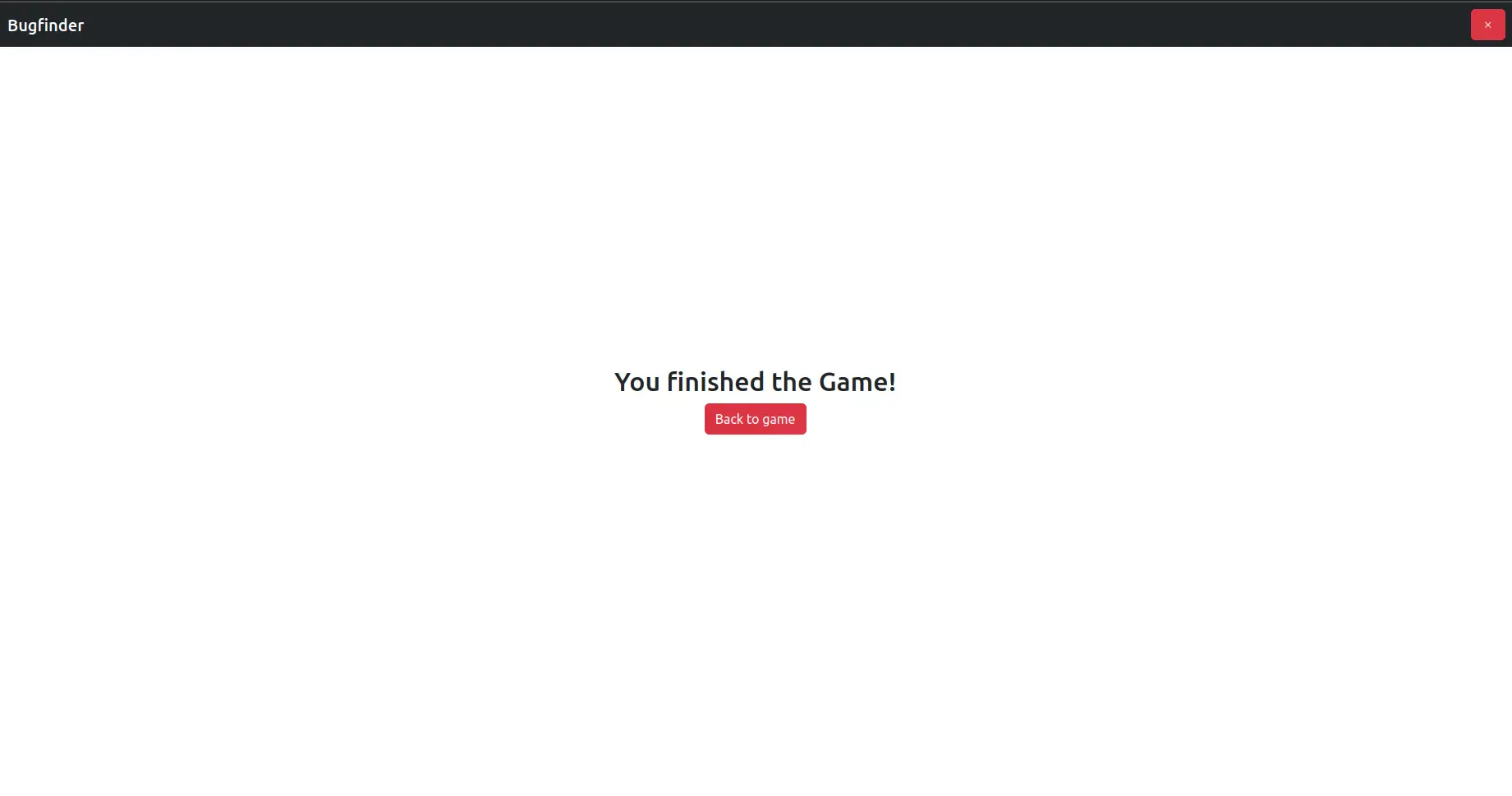
Once you’ve submitted all snippets, you will see the end screen that finishes the game:
Configuration
The lecturer can configure the game with lots of codes. The solutions can be specified with the correct values of bugs and with error types of a bug.
For more information how to configure minigames see the lecturer interface manual.