Use Docker Compose files with Unity
The usage of Docker Compose files with Unity projects differs from the other projects, because docker can’t build a container from the raw files (like with the other repositories). To run your local changes, you have to build the project with WebGL.
WebGL build instructions
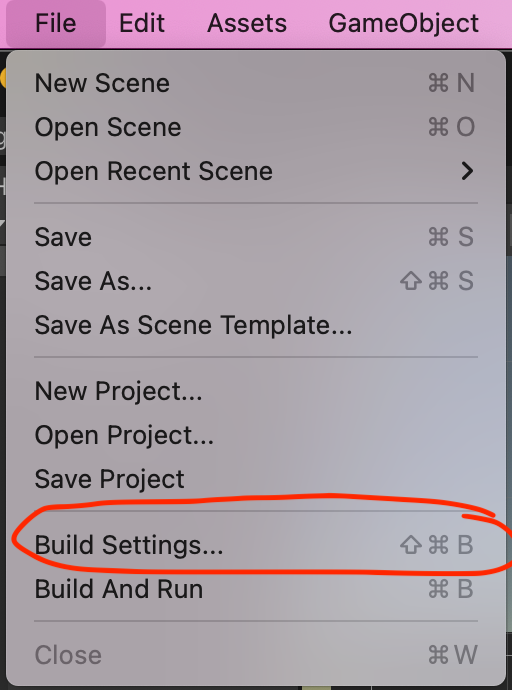
Firstly, open the build settings with File > Build Settings.
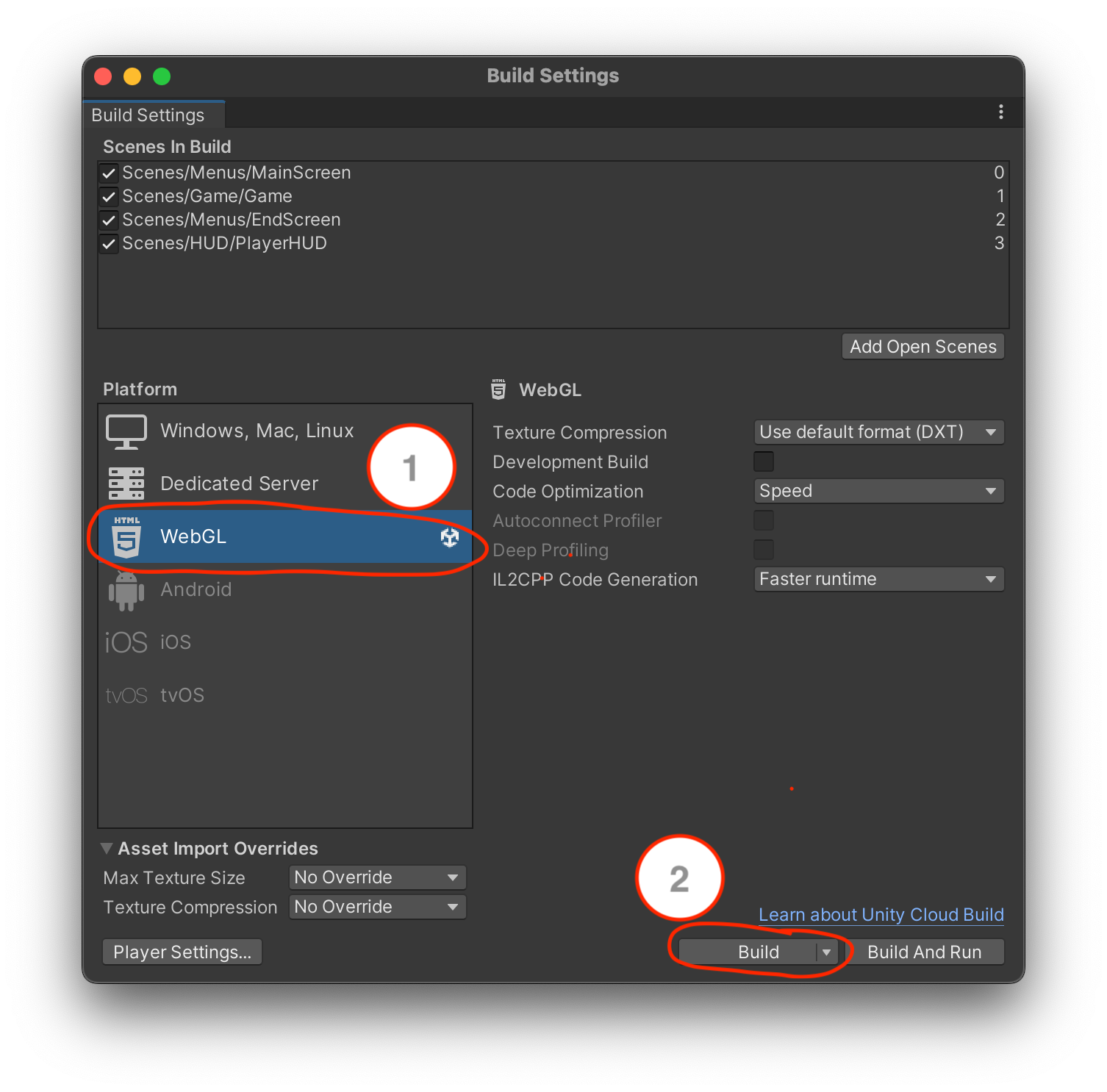
Then you have to select WebGL and click Build.
When building the project, choose the following structure as the build destination (relative from the
repository root): ./builds/WebGL/WebGL
After the build is completed you can run the docker compose file, and it should start up the container. To do so, use the usual command:
docker compose up --build