Memory
Memory is a minigame for the Gamify-IT platform.
TOC
About the Game
The goal of Memory is to find the two matching cards.
Gameplay
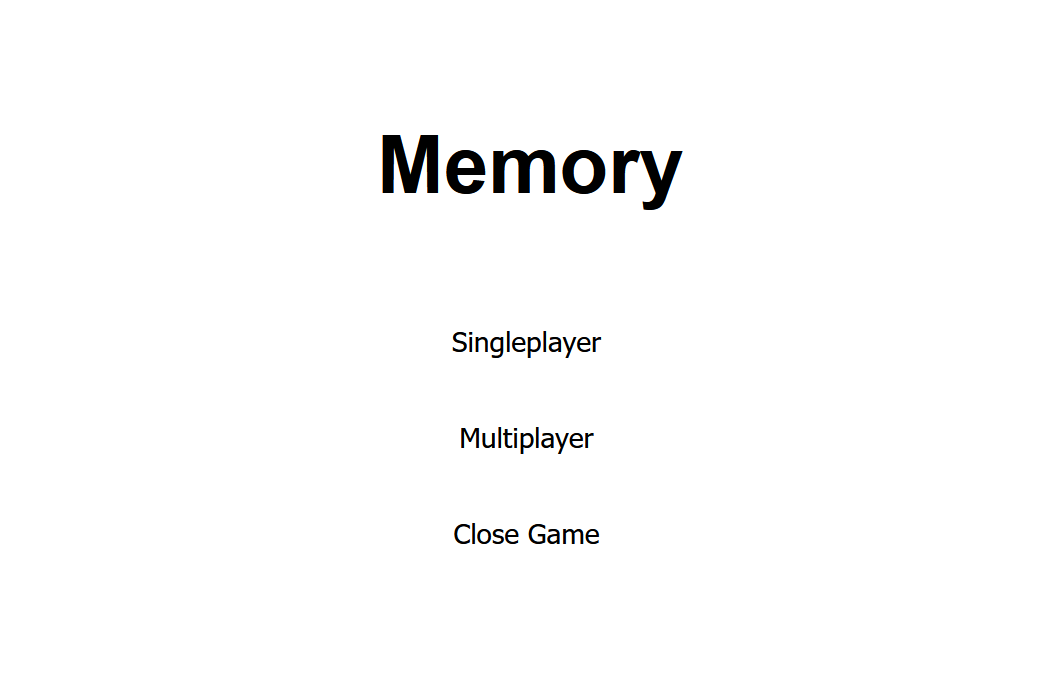
When entering the game, you see the start screen.
To start a game, click on Singleplayer.
To exit the game, click on Close Game.
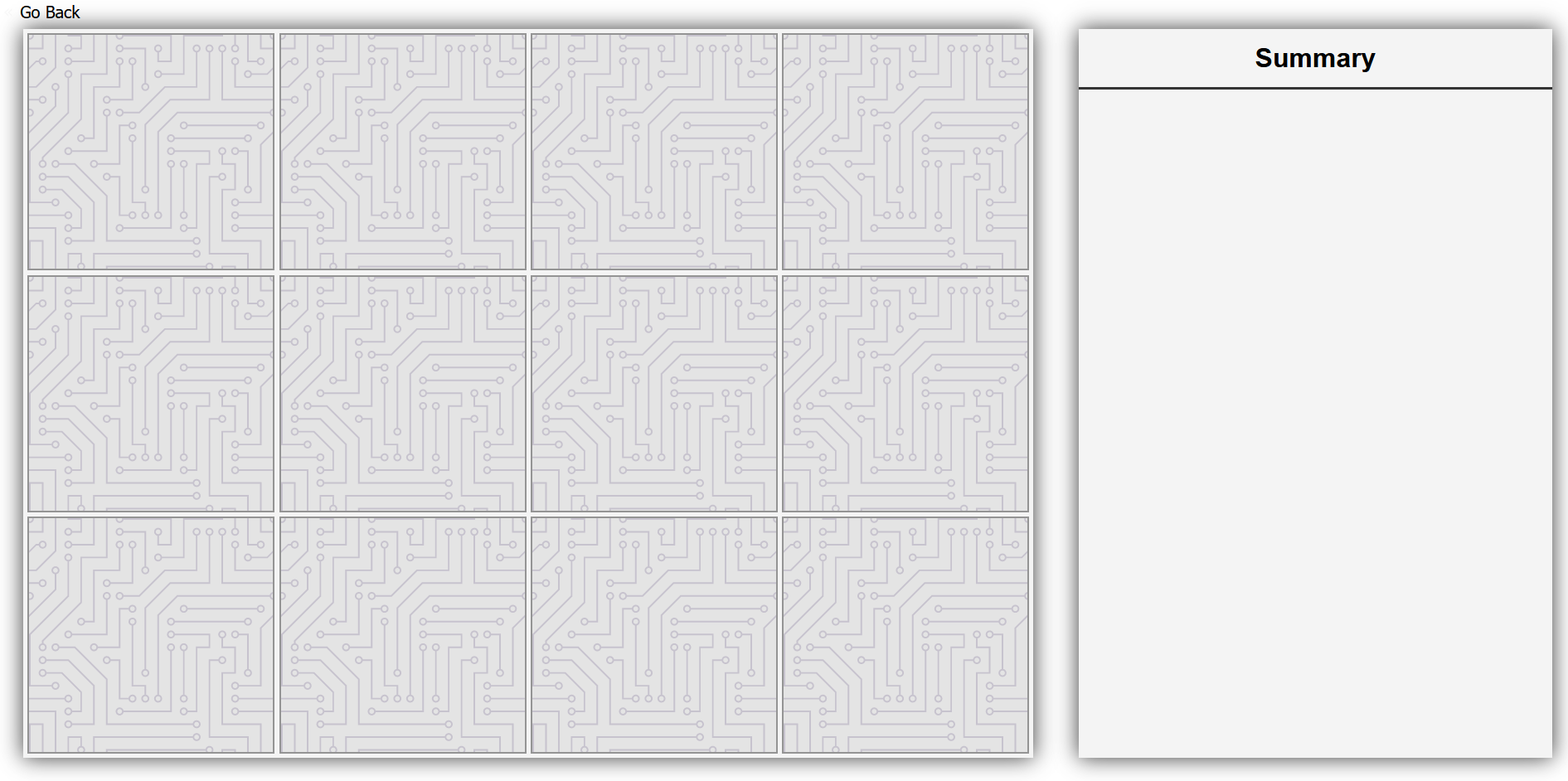
After clicking on the Singleplayer button, you get your memory cards on the left.
On the right is a table in which the correct pairs are automatically inserted.
In the upper left corner is a Go Back button which directs you to the start screen.

After filling out all the answers your screen should look like this.
You can click on the plus Button in the lower left corner of each card.
It enlarges the card to have a better look at it.
Sounds
In the overworld and each minigame, the player will hear different sounds. The player has an ability to control the volume of all sounds. You can read more about volume control here: overworld volume control
Background music
When the player enters the game, they will hear background music.
Click sound
In the minigame, the player will find some interactive buttons, such as the option to start or exit the game. When the player clicks on a button, they will hear a click sound.
Sound for card swipe
When the player clicks on the card, it opens, accompanied by a swiping sound.
Sound for wrong pair
If the player has revealed 2 cards that are not a pair, they will be highlighted in red and accompanied by an incorrect answer sound.
Sound for correct pair
If a pair is found, it will light up green and a sound will be played to indicate that the pair has been successfully found.
Sound for end of minigame
Once the player has found all the pairs, they will see a message about successfully completed minigame accompanied by a game over sound.
Configuration
The lecturer can configure the game with corresponding cards. The cards get shuffeld automatically.
For more information how to configure minigames see the lecturer interface manual.