Finitequiz
Finitequiz is a minigame which is part of the Gamify-IT platform.
About the Game
The goal of the game is to provide a simple game for students to practice their knowledge with single choice questions.
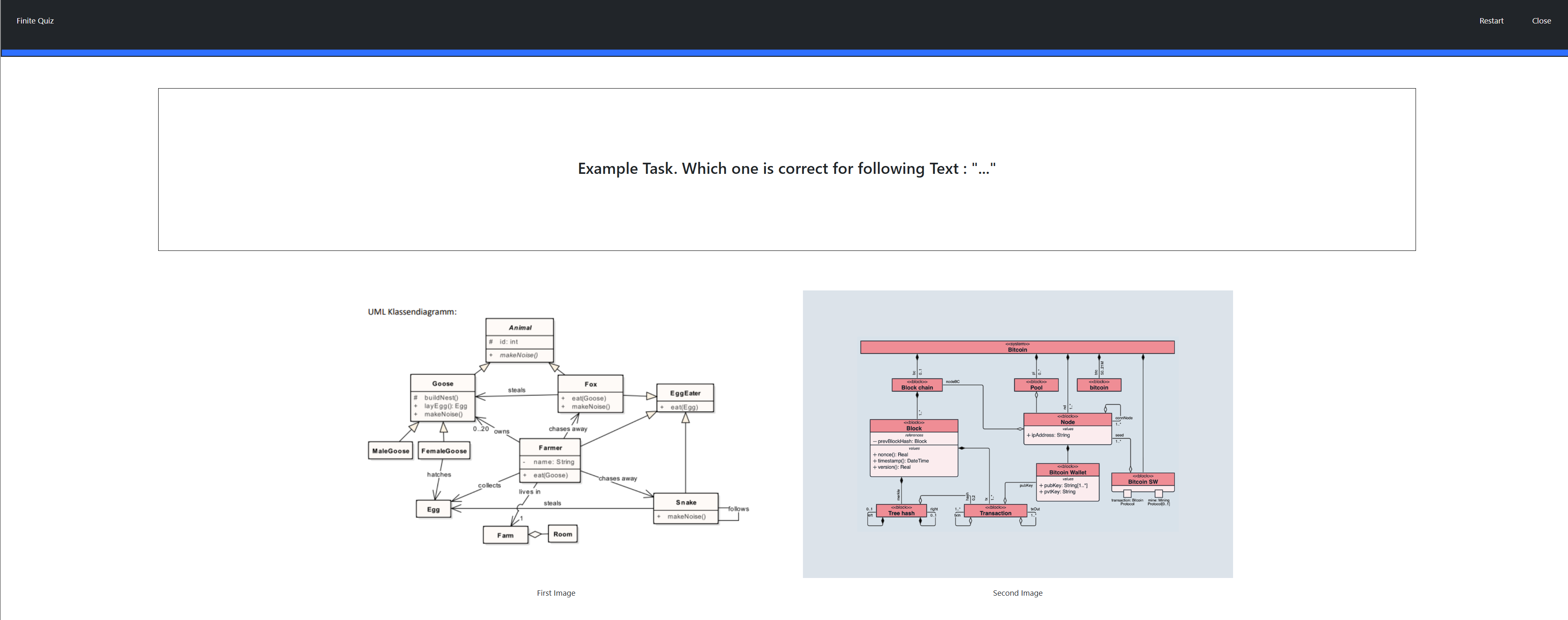 When entering the game, the user is directly presented with the first question. The question always has a text but also can have up to 4 images.
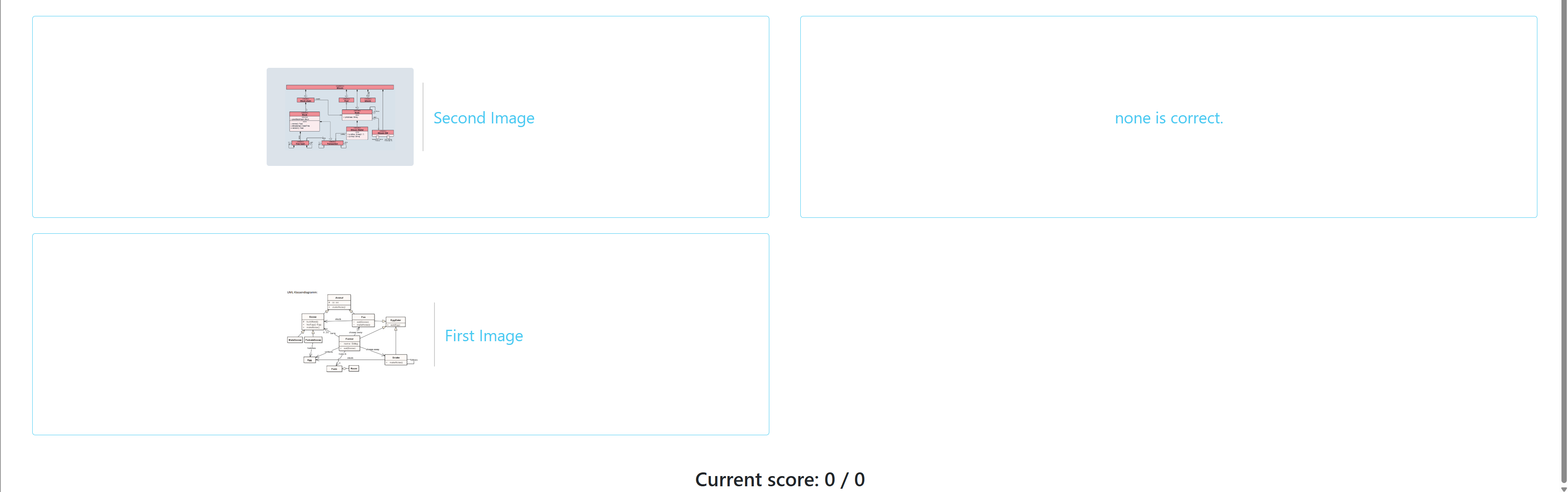 The answers can consist of text, an image, or both. If an image is available, it is always displayed on the left side, with the corresponding text on the right.
The score is shown below the answer blocks in the format
The answers can consist of text, an image, or both. If an image is available, it is always displayed on the left side, with the corresponding text on the right.
The score is shown below the answer blocks in the format current score / max score, where the right number represents the total number of questions answered, and the left number increases only when a question is answered correctly.
After submitting an answer, the user is immediately presented with the next question.
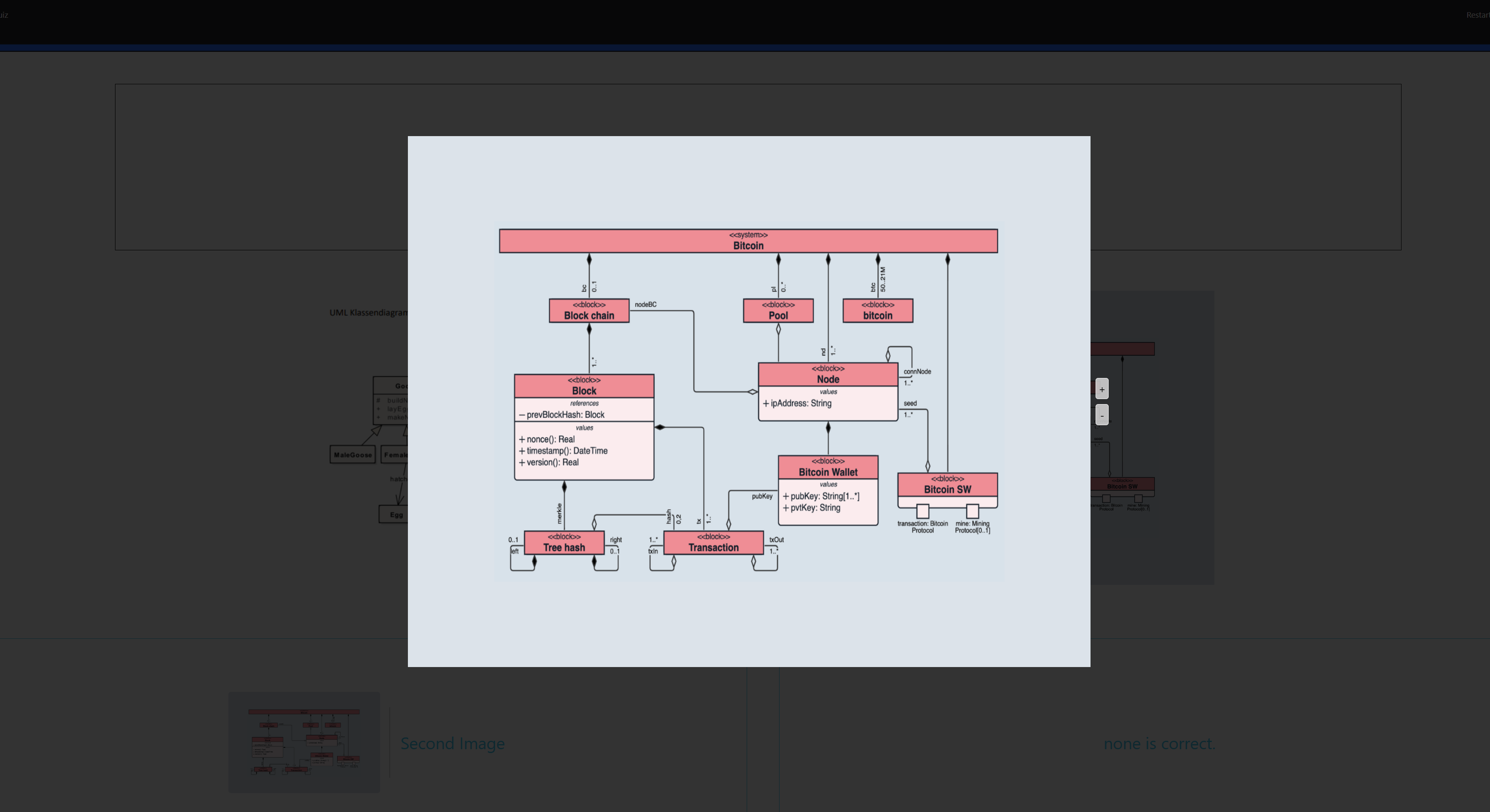 Images can be enlarged by clicking on them; this also applies to images within the questions.
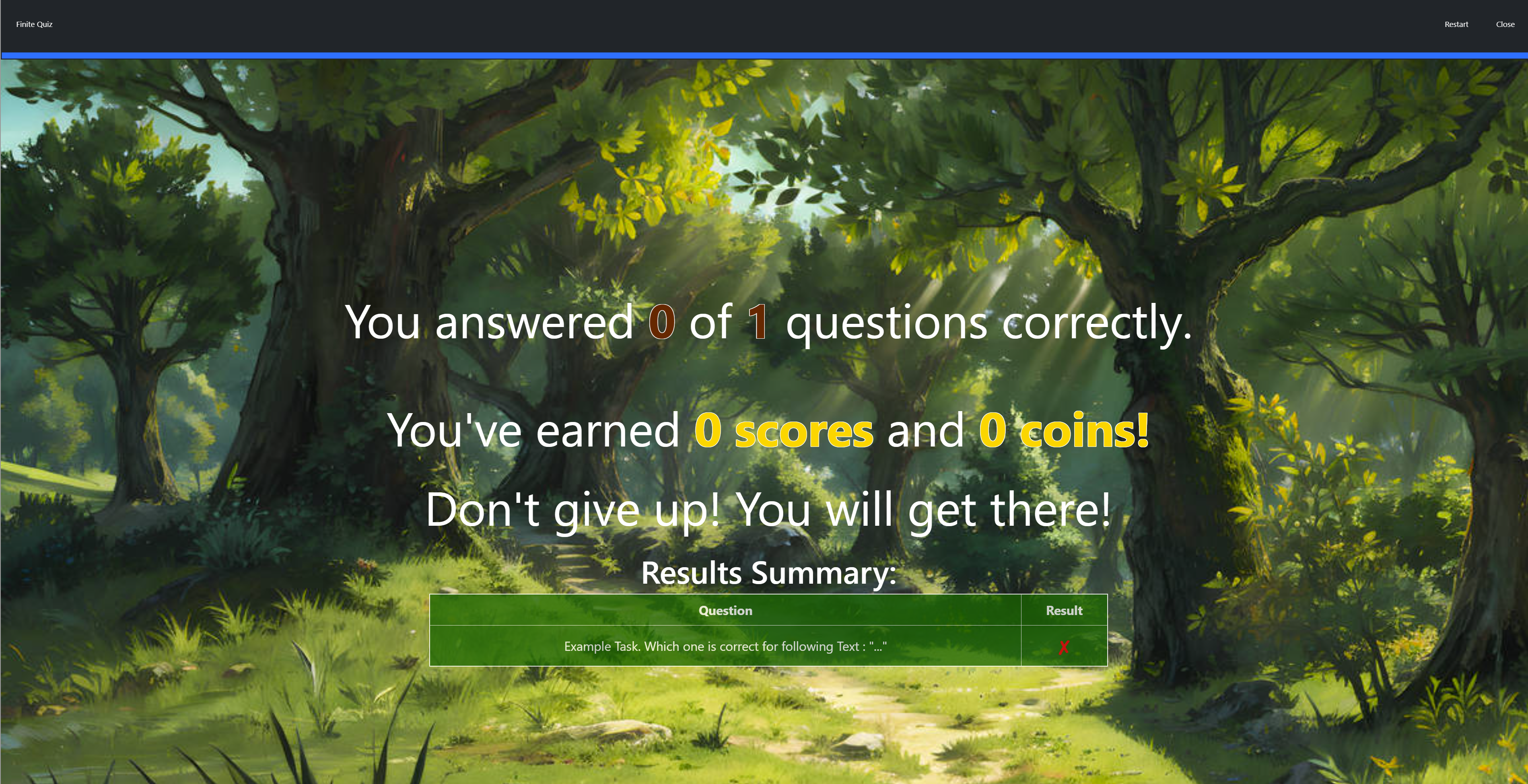 When all questions are answered, the end screen is presented.
At any point in the game, the player may choose to restart the game or to close the it, using the buttons in the top right corner.
Sounds
In the overworld and each minigame, the player will hear different sounds. The player has an ability to control the volume of all sounds. You can read more about volume control here: overworld volume control
Background music
When entering the game, the player immediately hears the background music.
Click sound
In the minigame, the player will find some interactive buttons, such as the option to start or exit the game. When the player clicks on a button, they will hear a click sound.
Sound for wrong answer
If the player clicks on a wrong answer, it will be highlighted in red and accompanied by a wrong answer sound.
Sound for correct answer
If the player chooses the correct answer, it will light up green and a sound will be played to indicate the correct answer.
Sound for end of minigame
After answering all the questions, the player will see the final screen with the number of correct answers, accompanied by a game over sound.
Configuration
The lecturer can configure the game with an arbitrary number of questions.
Each question has a single correct answer and an arbitrary number of wrong answers. The lecturer can also configure the time limit for the game.
For more information how to configure minigames see the lecturer interface manual.