How to use Keycloak to manage users
Prerequisites
Gamify-IT must be running on your machine. If this is not the case, refer to How to run all services via docker.
How to use keycloak
Open http://localhost/keycloak.
Select the administrator console and login with admin as username and password.
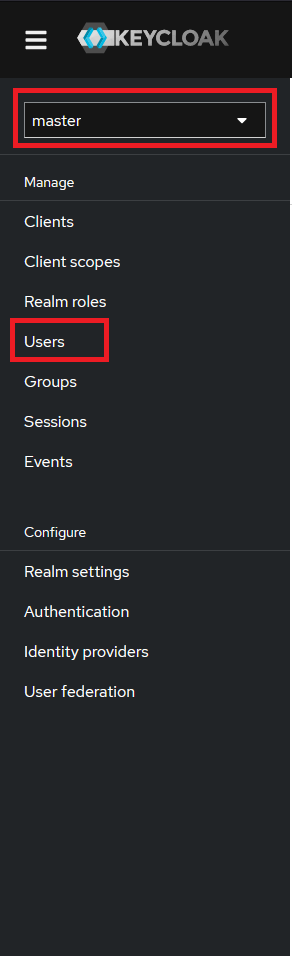
In the keycloack interface firstly change from master to Gamify-IT in the dropdown menu.
Then navigate to Users.
In this overview you can edit and add users.
When adding a new user select the permissions of the user under Join Groups (lecturer means the user
can create and edit courses).
After creating a new user you need to set a password under the Credentials tab.
You can now open Gamify-IT and login with your user under localhost.