Run stress tests
Prerequisite
Open jmeter file
Open a test file (ends with .jmx) by doing one of the following things:
Run
jmeter -t /path/to/file.jmx
Or open up JMeter > file > open
Run jmeter test
Press on the start button in the toolbar.

To stop it, press the obvious Stop button.
From the command line
Use
$JMETER_EXECUTABLE -t $LOAD_PROFILE -n $ARGUMENTS
to test a load profile without the UI.
See reports
Navigate to View Result Tree on the left.
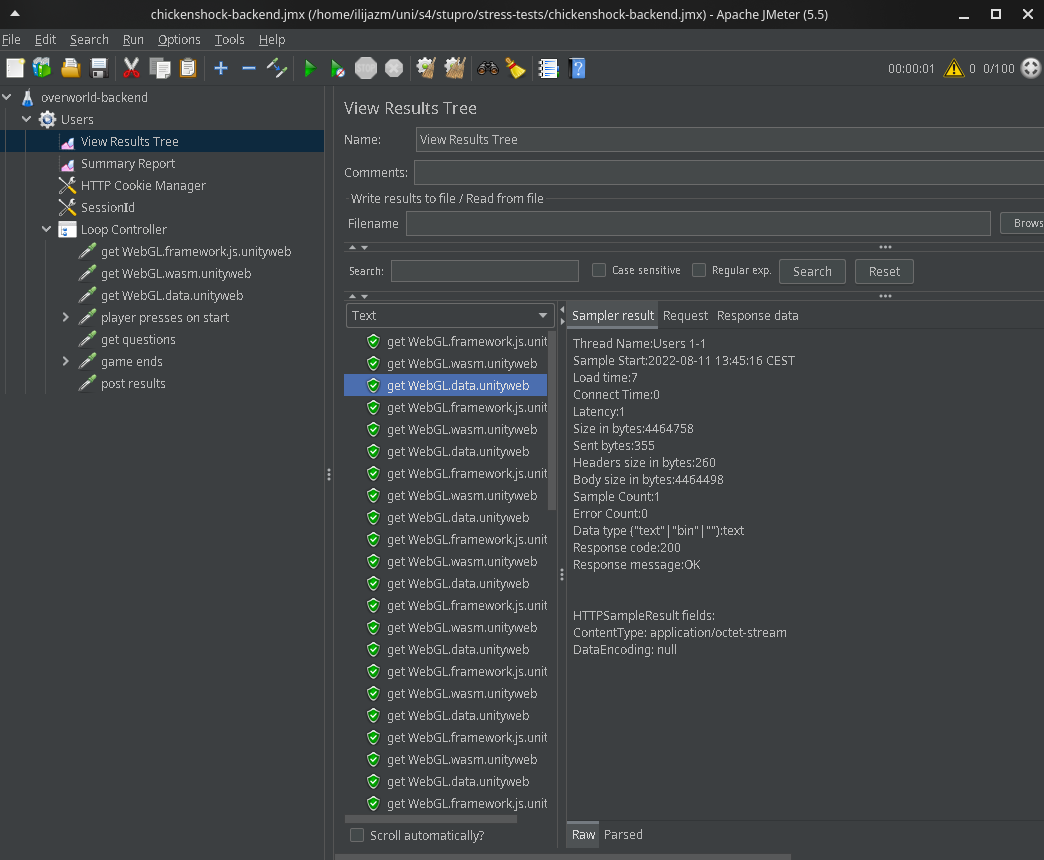
Clear reports
Click on one item in the tree and press Ctrl + E.